

🗑️ The Question You Only Ask Once You're Already Halfway Out the Door
Nobody signs up for a car app thinking about how to leave it. You're thinking about your Garage, your first Playlist, whether your city has enough active users yet to make Photo Ops worth chasing. But eventually somebody asks: what actually happens to my stuff if I delete my account? Does "delete" really mean gone, or does Spota just hide your profile and keep everything sitting on a server somewhere?
It's a fair question, and most apps answer it badly, either burying the process behind three support tickets or being vague on purpose about what "deleted" actually means. So here's the real version: what gets erased, what gets kept and why, how long it takes, and the difference between deactivating your account and actually deleting your data, because those are two very different things and mixing them up is how people end up confused six months later.
🔄 Deactivation vs. Deletion: Know Which One You Actually Want
This is the part that trips people up most, so it goes first. Deactivating and deleting are not the same action, and picking the wrong one means you don't get the outcome you expected.
Account deactivation:
- Your account goes inactive, but your data stays stored.
- You can reactivate later and pick up where you left off.
- Your Garage, posts, and profile stay visible to other users while you're gone.
- Nothing is permanently removed.
Complete data deletion:
- Permanently removes your personal data from Spota's systems.
- Cannot be undone or reversed once it's processed.
- Your content comes off the platform entirely.
- The account itself cannot be recovered afterward.
If you're taking a break from car meets for the summer and might want your XP and garage waiting when you're back, deactivation is the move. If you're done with the app and want your footprint gone, that's deletion. Spota separates the two on purpose so a heat-of-the-moment "I'm deleting everything" doesn't accidentally torch progress you'd have wanted back in three weeks.
📋 What Actually Gets Deleted
When you request complete data deletion, this is what comes off Spota's systems for good:
- Account information: your email, username, and profile details.
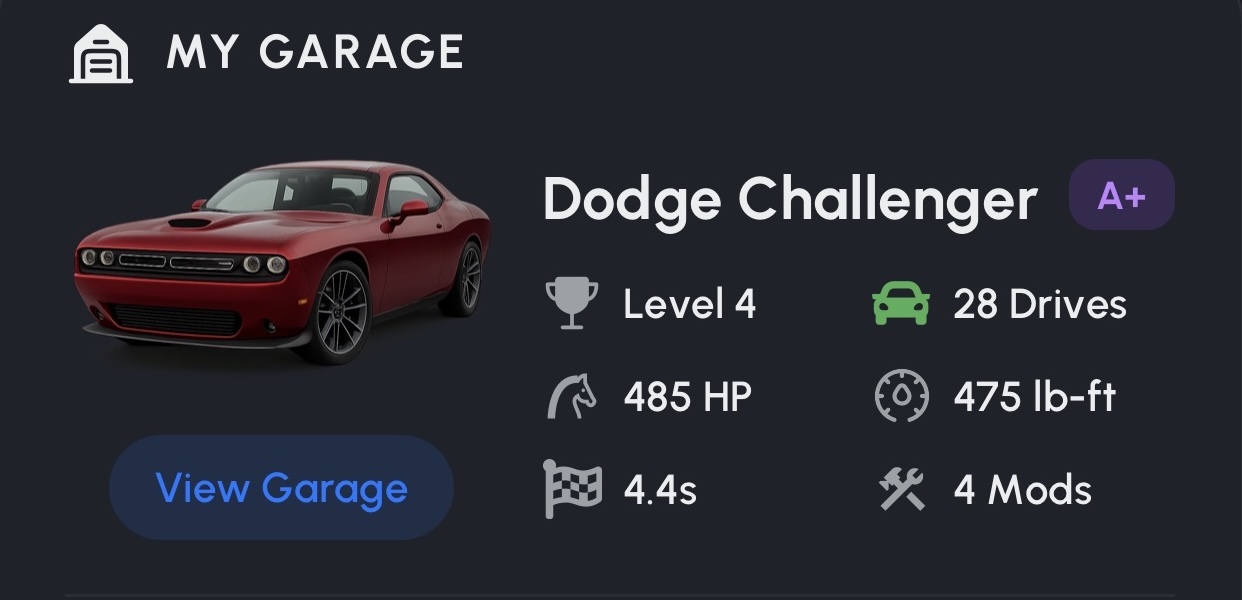
- Vehicle data: car profiles, modification history, and Garage information.
- User content: photos, videos, posts, and any media you uploaded.
- Location history: location data and live session records.
- Usage analytics: how you used the app and interacted with it.
- Spot submissions: photos and videos you submitted of other people's cars.
- XP and achievements: points, badges, and leaderboard positions.
- Communication data: messages, comments, and social interactions.
That's not a partial wipe. Your Garage history, your collectible count, the whole digital trophy case you built up, all of it goes. Worth sitting with for a second before you pull the trigger, which is exactly why deactivation exists as the lower-stakes option.
🔐 What Spota Keeps, and Why
A handful of things don't get wiped immediately, and it's not because of some loophole, it's because privacy law and basic platform safety require it:
- Legal compliance records: things like tax records or fraud-prevention data that regulations require Spota to keep.
- Safety records: information tied to safety violations or abuse reports, kept so patterns of bad behavior don't just vanish the moment someone deletes their account.
- Anonymized, aggregated data: usage statistics that can't be traced back to you individually.
- Backup copies: your data lingers in secure backup systems for a limited window before those backups themselves get purged.
- Third-party content: media you submitted that other users have since claimed, referenced, or built on.
None of that retained data gets used for marketing or resold, ever. It exists for legal and safety reasons only, and most of it has an expiration date of its own.
📧 How to Actually Request Deletion
Three ways to start the process, use whichever's easiest:
- In-app: use the "Delete Account" option in your profile settings. This is the fastest path since it's already tied to your logged-in account.
- Email: send a request to privacy@downloadspota.app.
- Support ticket: contact support@downloadspota.app if you'd rather go through support directly.
If you're going the email or support route, include your account email address, a clear statement that you want complete data deletion (not just deactivation), and, if it matters to you, which specific data types you'd like prioritized.
Spota tip: if you're not sure yet whether you want deactivation or full deletion, start with deactivation. You can always come back and request full deletion later, but you can't undo a completed deletion once it's processed.
⏰ How Long It Actually Takes
Deletion isn't instant, and that's by design, both for verification and because backups don't purge themselves in real time. Here's the real timeline:
- Within 24 hours: your account access is disabled.
- Within 7 days: your primary data is removed from active systems.
- Within 30 days: your data is cleared from all backup systems.
- Within 90 days: a final verification and audit confirms the deletion actually happened.
You'll get email confirmations at each stage, so you're not left guessing whether the request went into a void. It's a process built to actually finish, not a button that quietly does nothing.
🔍 Verification: Why It's Not Instant on Purpose
Before Spota processes a deletion request, there's a verification step, and that's a feature, not friction. Anyone could type in someone else's email and request their account be wiped if there weren't a check in place. Verification typically includes confirming you can still access the account (or the email tied to it) and, for more sensitive requests, additional identity confirmation.
It's a small speed bump, but it's the difference between "your data is protected by a real process" and "anyone with your username can nuke your account." Worth the extra step.
📤 Export Your Data Before You Go
Under privacy regulations like GDPR and CCPA, you have the right to data portability, meaning you can export your information before deleting it. If you've put real time into your Garage, your mod timeline, your XP history, this is the move before you hit delete: request an export first, then request deletion once you've got a copy of your own history sitting somewhere safe.
Your broader rights here aren't Spota-specific, they're baseline privacy protections that apply regardless of which app you're using:
- Right to erasure: request deletion of your personal information.
- Right to data portability: export your data before it's deleted.
- Right to withdraw consent: stop data processing you'd previously agreed to.
- Right to object: push back on certain types of data processing.
These apply no matter where you're located, though the specific legal backing varies by jurisdiction.
🚗 The Bottom Line
Deleting your Spota account isn't a dark pattern designed to make you give up halfway through, and it isn't a fake button that leaves your data sitting around either. It's a real process: deactivation if you want a pause with the option to come back, complete deletion if you want your footprint gone for good, a verification step so nobody else can do it on your behalf, and a real timeline with confirmations along the way instead of silence.
If you're on the fence, export your data first, sit with the decision for a day, and go from there. And if you're just taking a break from the scene rather than leaving it, deactivation keeps your Garage and XP exactly where you left them.
For more on how Spota handles your information while you're actually using the app, check out Can People Track My Exact Location? or browse the rest of the FAQs.