

🆘 So Something's Not Working (Or You Just Have a Question)
Every app hits this moment eventually. A Playlist step won't check off, a Photo Op you swear you completed didn't count, your Garage photo won't upload, or you just want to ask something the FAQ page doesn't cover. The question people actually want answered isn't "does Spota have support," it's "who do I actually talk to, and how do I make sure they can help me instead of sending back a copy-paste answer."
Good news: Spota isn't a faceless app with no way in. There's a real inbox, a real support page, and a small team behind both. Here's exactly how to use them so your message doesn't sit in a queue longer than it has to.
📧 The Direct Line: Email Support
The most reliable way to reach the team is email: support@downloadspota.app.
This is the right channel for anything that needs an actual look, not just a quick answer:
- A bug: something crashed, didn't save, or behaved differently than the app says it should
- An account issue: login trouble, a missing Garage entry, XP that didn't register
- A billing question about Turbo or Twin Turbo
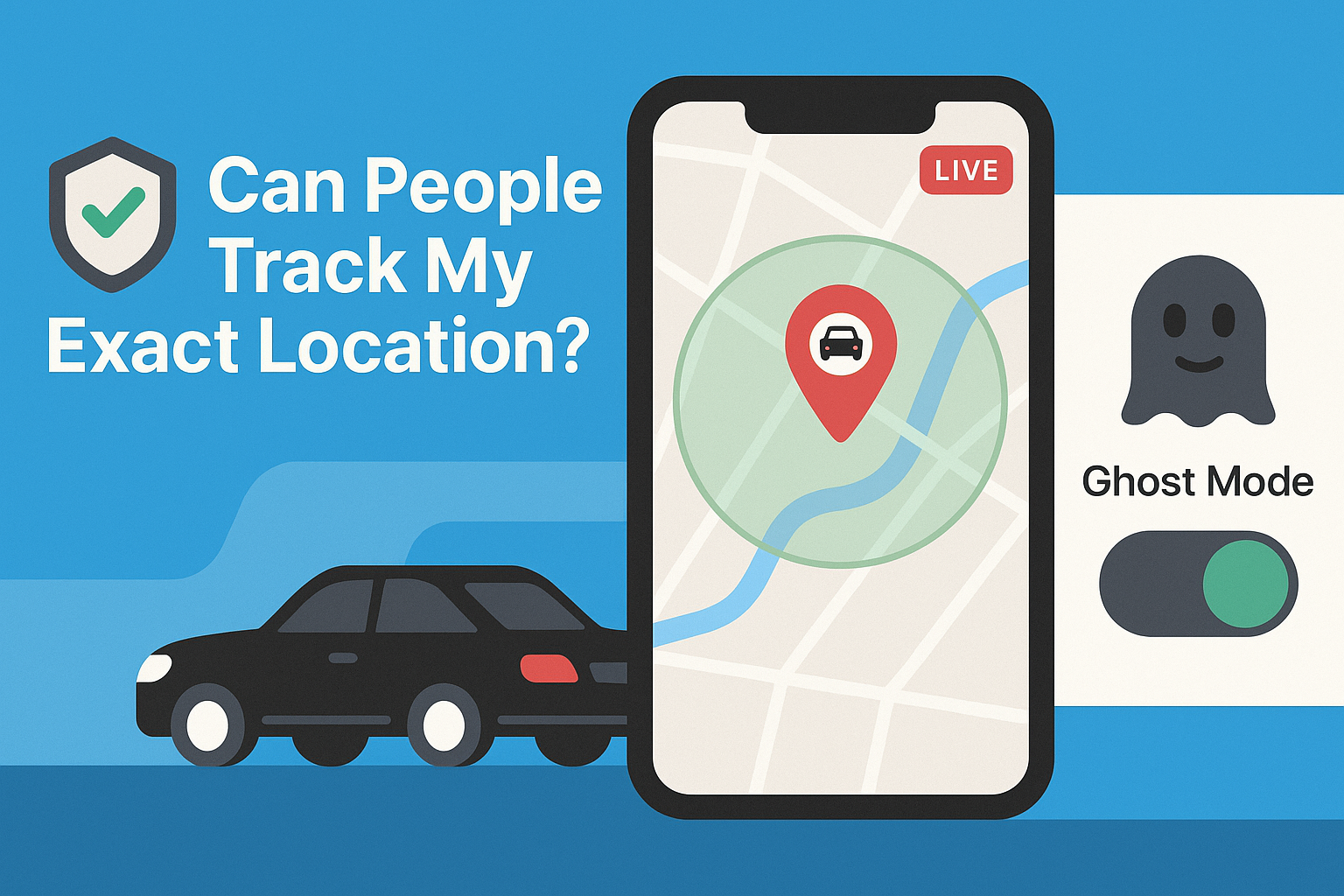
- A privacy or safety concern, including anything related to Go Live or Ghost Mode
- A report about another user's behavior that needs more than the in-app block/report flow
Email works precisely because it's not real-time. You're not competing with a live chat queue, and the team can actually dig into an account-specific issue instead of guessing from a DM.
📝 What to Include So You Get a Useful Answer, Not a Follow-Up Question
The single biggest thing that slows down any support reply is missing information, since almost every follow-up just asks for details that could've been in the first message. Save everyone a round trip and include this up front:
- What device and OS you're on (iPhone 14, iOS 18; Pixel 8, Android 15, etc.)
- What you were doing when it happened, step by step, not just "it broke"
- What you expected to happen versus what actually happened
- A screenshot or screen recording if it's visual (a Photo Op that didn't register, a Garage upload that failed, a broken layout)
- Your in-app username, so the team can actually look at your account instead of working blind
A message like "Photo Op at [location] completed on [date], screenshot attached, expected XP credit and didn't get it, using iPhone 15 iOS 18.1" gets resolved a lot faster than "photo op bug pls fix."
💬 Social Media: Fine for Quick Questions, Not for Bug Reports
Spota is active on a handful of platforms, and DMing or tagging them works fine for lighter stuff, general questions, feedback, or just flagging something:
- Instagram: @spota.gram
- X (Twitter): @spotaxx
- TikTok: @spota.app
- YouTube: @spotaapp
Social is a fine front door for "hey, quick question" or "love this feature, when's it coming to my city." It's not ideal for anything account-specific, since DMs get missed more easily than a dedicated support inbox and nobody wants to screenshot a bug report into a Twitter DM. For anything that needs a real fix or touches your account, email still wins.
🐞 Bug Report vs. Feature Request: They're Not the Same Thing
Worth separating these two, because they go to very different places internally even if you send them through the same inbox.
A bug report is "this is broken and shouldn't be." Something the app promises to do that it isn't doing. A Playlist step not completing when it clearly should have, a crash on opening the Garage, a Club invite that never arrives. These get triaged and (usually) fixed.
A feature request is "this works fine, but I wish it did more." Wanting a new Photo Op type, a different way to sort Club members, more granular Ghost Mode controls. These aren't bugs and shouldn't be reported as urgent, but the team genuinely reads them. Products like Spota that are still expanding city by city lean heavily on this kind of feedback to decide what to build next.
If you're not sure which one you've got, default to describing what happened and what you expected. The team can sort out which bucket it belongs in.
❓ Check the FAQ Page First (Seriously, It Saves Time)
Before firing off an email, it's worth a quick pass through the FAQ section and the FAQ block on the main site. A lot of the most common questions, like how Playlists and city completion work, what Ghost Mode actually hides, or how to report or block someone, already have full answers written out. It's not a stall tactic, it genuinely gets you an answer faster than waiting on a reply, and it frees up the support inbox for stuff that actually needs a human.
🎯 Spota Tip: Report In-App When You Can
For the fastest resolution on user-behavior issues specifically (someone being abusive, spamming, faking a build), use the in-app report or block flow first. It routes directly into moderation review rather than sitting in a general support queue. Save email for account, billing, and bug issues where a person needs to actually dig into what happened.
🔧 Bottom Line
Email (support@downloadspota.app) for anything account-specific or that needs a real fix. Social for quick questions and general feedback. In-app report/block for user behavior. And check the FAQ first, since there's a real chance your answer's already written down.
Spota's still a growing app, expanding city by city, which means the team actually reads what comes in. A clear, detailed message gets you further than a vague one every time.