
🏠 Your Digital Garage, Reimagined
Every car enthusiast knows: your garage says everything about you.
On Spota, your Garage isn’t just a collection of vehicles. It’s your digital identity, your build history, and your personal flex zone, all rolled into one clean, scrollable profile.
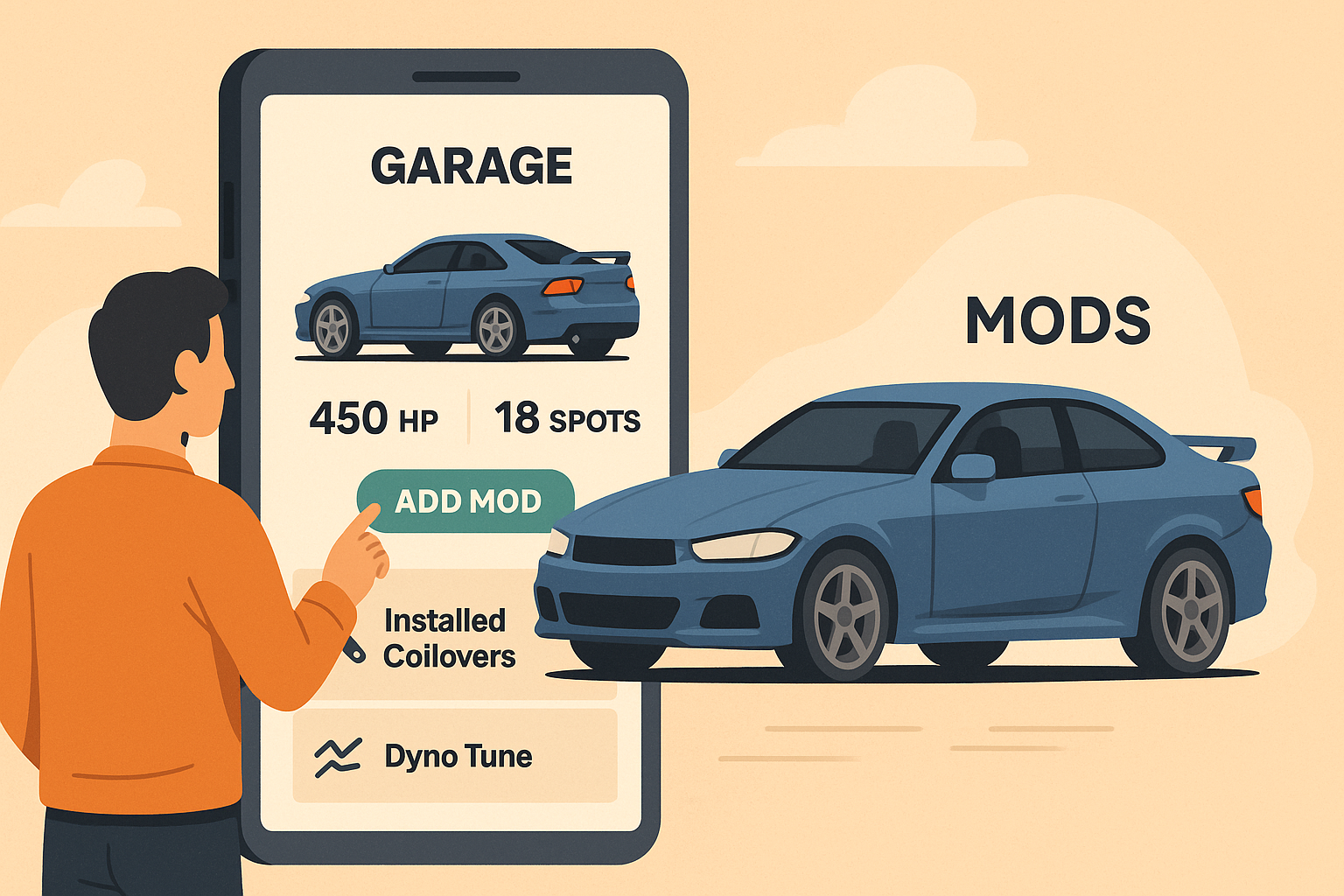
Whether you own one daily driver or a lineup of monsters, the Garage gives your cars a place to live online, complete with performance stats, mod timelines, and spot counts.
🧩 How the Garage System Works
Each user has a personal Garage profile that can house multiple cars.
Every car has its own dedicated profile, complete with:
- Build Details: Year, make, model, trim, nickname
- Performance Stats: HP, torque, 0–60, and more
- Photos & Reels: Showcase shots and rolling clips
- Spot Gallery: Media submitted by fans and photographers
- Mod Timeline: The full story of your car’s evolution
You’re not just uploading data. You’re building a history of your car’s life.
🔧 Adding a Car to Your Garage
Ready to start? Here’s how it works:
- Tap “Add New Car” from your profile.
- Enter your car’s details: year, make, model, and nickname (optional).
- Upload a killer photo or video of your car.
- Add your performance numbers (if you know them).
- Save, and your car officially joins your Garage.
Once added, you can customize it further anytime.
Each car in your Garage will show up as a tile in your collection, complete with mod count, spot count, and horsepower stats.
🛠 Adding Mods to Your Build
Mods are what make a build yours, and Spota makes logging them easy.
Each mod you add becomes part of your Car Timeline, giving followers a chronological view of your upgrades. Here’s how to do it:
- Go to your car’s profile.
- Tap “Add Mod”.
- Fill out:
- Title: e.g. “Installed Borla ATAK Exhaust”
- Type: Performance, Aesthetic, Suspension, Audio, etc.
- Date: When it was installed or updated
- Description: Optional notes or story behind the mod
- Photos: Before and after shots (if you’ve got them)
- Hit Save, and the mod appears in your timeline instantly.
📈 Why It Matters
Every mod adds more than power. It adds personality.
Spota’s timeline turns your upgrades into a living story. Followers can see how your car evolved over time (from stock to savage), and you get the recognition you deserve.
Plus, every detailed entry earns you XP and boosts your Garage Level.
The more active you are, the higher you climb on Spota’s leaderboards.
🏆 Build. Flex. Repeat.
Your Garage isn’t just for storage. It’s for status.
It’s where people go to see your build history, admire your work, and follow your next upgrade. Think of it like your car’s Instagram, but made for the real ones.
So start building your Garage today, add those mods, and let the world see what you’ve created.
Because every build deserves its spotlight, and every car deserves its story.